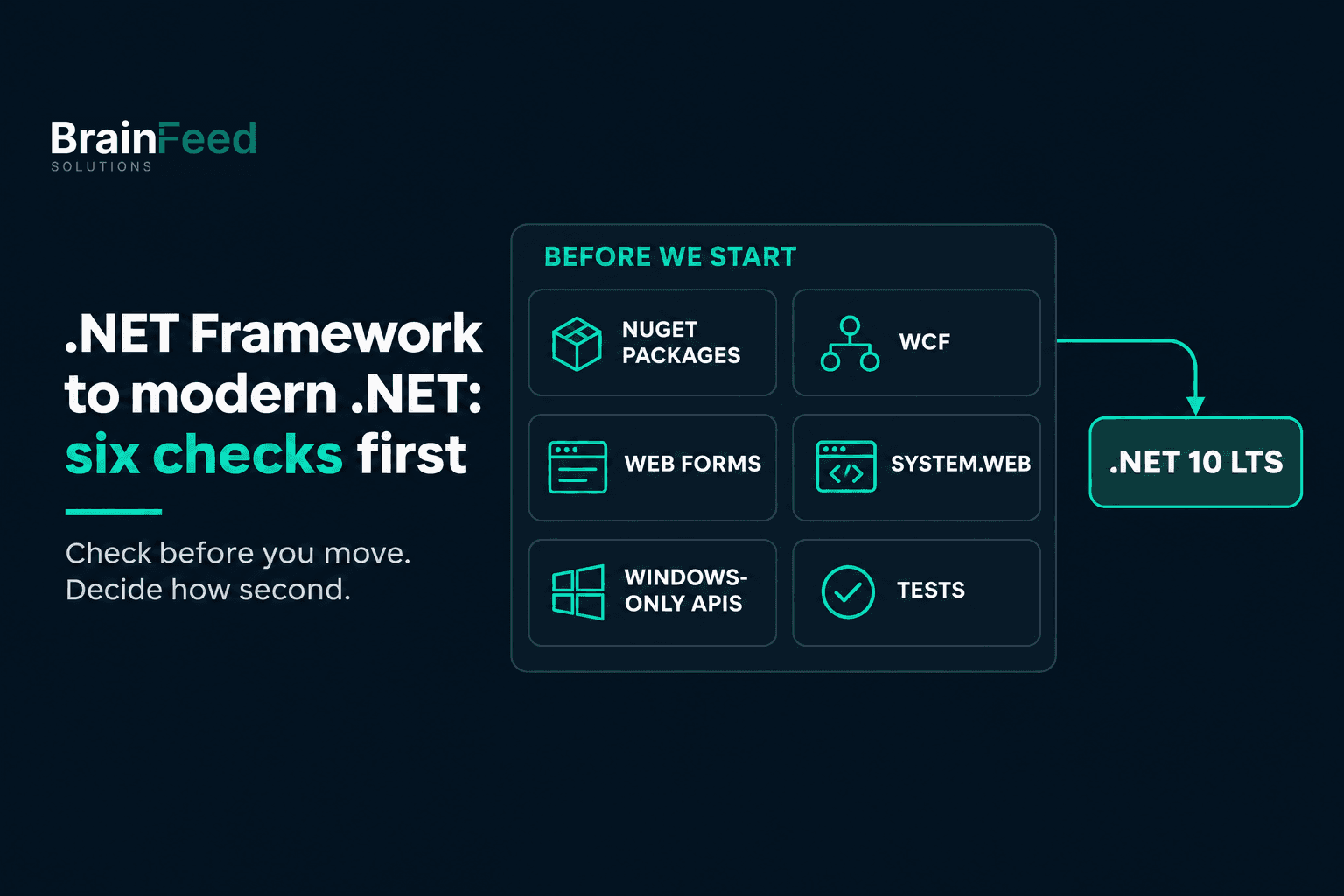
Short answer: If you migrate, target .NET 10, and run six checks first: NuGet packages, WCF, Web Forms,
System.Web, Windows-only APIs and test coverage. Together they decide whether to upgrade in place, run old and new side by side, or leave the app alone for now.
This article is for CTOs and owners who run a .NET Framework application that still earns its keep and are deciding what to do about it. This article is NOT for teams starting a new build (use current .NET and skip this) or anyone who wants a click-through tutorial.
We have built on .NET since 2009, and much of our .NET development work is moving older Framework systems forward in stages. The checks below are the ones we run first, in the order we run them.
Which target?
.NET 10 is the current long-term support release: Microsoft released it on 11 November 2025 and supports it until 14 November 2028. .NET 8 and .NET 9 both went out of support on 10 November 2026, so a plan that says "upgrade to .NET 8" now targets an unsupported runtime. .NET 11 shipped on 10 November 2026; for a business system, LTS is usually the calmer choice.
Microsoft calls moving ASP.NET Framework to ASP.NET Core "non-trivial for the majority of production apps". The reasons are common in long-lived applications: pervasive System.Web use, outdated packages, legacy build tooling, and session, authentication, logging and caching that work differently in ASP.NET Core.
1. NuGet packages
List every package. For each one, record the compatible assets for your target, the latest release date, open security advisories, the transitive chain, and the cost of replacing it.
packages.configis not supported on modern .NET. Projects move toPackageReference.- Do not judge by the target framework prefix alone. Inspect which assets the package actually offers for your target. A package that only offers
net4xassets loads through a compatibility fallback and raises warningNU1701, which means "this may not work". - Libraries other libraries depend on go first. Microsoft says to upgrade in postorder depth-first order and multi-target while you do, so the old app keeps building:
<PropertyGroup>
  <TargetFrameworks>net48;net10.0</TargetFrameworks>
</PropertyGroup>
- For ASP.NET Framework apps, Microsoft's guide says to update through Visual Studio's NuGet Package Manager, one package at a time, because the
dotnetCLI does not work for those applications.
A common first surprise in the upgrades we assess is an abandoned library with no modern equivalent. That is a component rewrite, and it belongs in the estimate before anyone agrees a date.
2. WCF
CoreWCF, a community project supported by the .NET Foundation, ports the service side of WCF to modern .NET. Its packages now cover HTTP, NetTcp, named pipes, Unix domain sockets, and queued transports (MSMQ, Kafka, RabbitMQ), and its templates still target .NET Framework from 4.6.2, so you can move to CoreWCF in place first and carry it across later.
It is a subset of WCF, so check each binding, transport and security mode you use against the current packages, not against a feature list from an older release. For a new contract, Microsoft's own advice is to consider gRPC.
3. Web Forms
There is no Web Forms on ASP.NET Core. Microsoft's guide to moving to Blazor calls that migration "a time-consuming task that requires planning" and says it is easier when the app already separates the Web Forms layer from business logic. So ask how much logic lives in code-behind files. A clean business layer under .aspx pages is a UI replacement. SQL and rules inside button handlers is a much bigger job: you have to pull the logic out before you can replace anything.
4. System.Web
HttpContext.Current, Session, HttpModule, HttpHandler and Global.asax are all System.Web, which ASP.NET Core does not have. Search the solution for the namespace and count the files. That count is our first indicator, not a verdict. Then read how authentication, session and custom modules are wired, because a handful of files can still hide a tangled pipeline.
A typical pattern: a controller compiles after porting but fails at runtime, because session, authentication and an HttpModule were quietly one request pipeline. Microsoft ships a bridge, the Microsoft.AspNetCore.SystemWebAdapters package, so shared libraries can keep using HttpContext while both apps run. It buys time, but it keeps coupling to System.Web behaviour and adds complexity across two apps.
5. Windows-only APIs
Some technologies are gone. On .NET 6 and later, Remoting, System.EnterpriseServices and Windows Workflow Foundation are unavailable (CoreWF is the community alternative). Creating additional AppDomains is unsupported and CreateDomain throws, although part of the AppDomain API surface still exists.
Others exist but only on Windows: the registry, WMI, the Event Log, and the GDI+ types in System.Drawing.Common (its primitive types are cross-platform). Check System.DirectoryServices packages one by one. The Microsoft.Windows.Compatibility package brings Windows-only APIs across so you can move to modern .NET while staying on Windows. It does not make them cross-platform.
The real question is whether you need to leave Windows. Windows containers are still an option, so containers alone do not force that. If you do need Linux, removing the Windows dependencies is a separate workstream that may set the schedule.
6. Test coverage
Most of these apps have little automated testing, and that is what makes a framework change frightening. Before you move anything, add characterisation tests around business-critical behaviour: the checkout, the invoice run, the API your partners call. They do not have to be pretty. They have to fail when behaviour changes.
Automated characterisation tests are our first choice. Traffic replay or shadow comparison can stand in for a route that cannot be tested directly, but a route with no control at all should not move.
In place or side by side?
Checks 1 to 5 shape the route. Check 6 sets your delivery risk, and it also affects the route: weak tests push toward side by side. Microsoft's decision guide recommends incremental migration for large production apps and for apps with heavy or uncertain dependencies. Here is how each check pushes the decision:
- Small app, few packages, little
System.Web: upgrade in place, one branch, one cut-over. - Pervasive
System.Web: side by side, with the adapters. - Web Forms present: usually side by side (a small Web Forms app can still move in one cut-over), so the rest of the app moves first and the UI replacement is its own project.
- Heavy WCF: where CoreWCF covers the features in use, move to it in place on Framework first, which splits the risk.
- Windows-only dependencies: if staying on Windows is fine, the compatibility package keeps this off the critical path. If not, plan for it.
- Weak tests or no downtime window: side by side, and tests before anything moves. Test coverage shapes both the route and the delivery risk.
The side-by-side route, the strangler pattern, works like this:
- Stand up a new ASP.NET Core app in front of the old one, proxying every request with YARP (Yet Another Reverse Proxy).
- Move one route, feature or API at a time into the new app. The proxy sends those to the new code and the rest to the old app.
- Share identity while both run. Microsoft describes remote authentication, where the new app defers to the old one. Depending on how the old app signs users in, shared cookies can be another option.
- When the last route has moved, switch the old app off.
{
  "ReverseProxy": {
    "Routes": {
      "legacy": {
        "ClusterId": "legacyApp",
        "Match": { "Path": "{**catch-all}" }
      }
    },
    "Clusters": {
      "legacyApp": {
        "Destinations": {
          "d1": { "Address": "http://legacy-app.internal/" }
        }
      }
    }
  }
}
The trade: you run two applications for the length of the migration and pay to keep them in step. What you gain is that you avoid one application-wide cut-over.
What breaks in production
A build that compiles and passes review can still fail on the first busy day. Watch these:
- Session state. In-process session behind several instances loses data unless you use sticky sessions or shared storage.
- Authentication. Whether a user is logged out depends on where authentication state lives, and cookies the old and new apps cannot read from each other cause that separately.
- Configuration. A value that moved from
web.configtoappsettings.jsonand was silently lost. - Background jobs. IIS-hosted scheduling assumptions do not become ASP.NET Core hosted services or an external scheduler on their own.
None of them show up in a build.
When not to migrate
Do not migrate for the sake of it. .NET Framework 4.8 and 4.8.1 are supported as a component of the Windows version they run on, and Microsoft's product page lists no end date for them. A stable internal application can stay where it is if the Windows version is supported and patched, the security exposure is understood, its dependencies are still supported, and the team that understands it is still around. A big-bang in-place upgrade of a large, System.Web-heavy app is the case Microsoft's guidance steers you away from. Older Framework versions are on a clock: 4.6.2 ends on 12 January 2027, so confirm which version you are on.
Where to start
Run a short, time-boxed inventory: packages, System.Web file count, WCF and Web Forms use, Windows-only calls, and existing tests. The output is a dependency inventory, an unsupported-API report, a migration-path recommendation, a risk register and a bounded estimate for the next step. We do that as the first step of our .NET upgrade work, and we will say plainly if the answer is "stay put".